
How to Check OnlyFans Page Activity Before Following
Checking an OnlyFans page before you follow it takes a few minutes and saves you from wasting money on dead accounts. Most people subscribe first and ask questions later, which is how they end up paying for a page that stopped posting months ago. A short activity check fixes that.

The check works because free and paid pages both leave visible traces of activity. Profile fields, post history, and like counts are all readable before you spend anything. You do not need special tools.
Start With the Profile Header
The profile header is the fastest filter. A maintained page usually has all fields filled in, a clear banner, and a bio that describes what the page actually offers. A placeholder page tends to have gaps.
Pay attention to how specific the bio is. A bio that names a posting schedule or a content theme is a sign someone is running the page on purpose. A bio that only says “welcome” or repeats the display name gives you nothing to work with.
- Profile photo: a clear, current image rather than a cropped screenshot or stock picture.
- Banner: a custom banner that matches the page theme instead of the default placeholder.
- Bio: a short description that mentions posting frequency, content type, or contact rules.
- Verification badge: a badge confirms identity, but its absence is not proof of a fake page.
- Location and join date: a visible join date tells you how long the account has existed.
- Pinned post: a pinned welcome or menu post suggests the owner updates the page.
A missing banner alone means little. Three missing fields together usually means the page was created and then left alone. That pattern shows up on both free and paid accounts, so the header check matters either way.

Read the Post Timeline
The post timeline is where activity checks get real. Scroll from the newest post backward and note the dates. You are looking for rhythm, not volume.
Gaps are the main signal. Not every gap means the page is dead, because creators take breaks, travel, or deal with health issues. The pattern matters more than a single quiet stretch. Repeated long gaps with short bursts between them usually mean the page is being run without a plan.
- Silent gap: no posts at all for several weeks or longer.
- Burst-then-stop: a cluster of posts followed by complete silence.
- Seasonal gap: long absences that repeat at the same time each year.
- Announcement gap: a “back soon” post that is followed by nothing.
- Deleted-history gap: an old account with only a few recent posts and no earlier timeline.
Caption quality matters too. Recycled captions, identical wording across posts, and reposted material with no new context all point to low effort. None of these things are automatic dealbreakers on their own. Combined with a long gap, they are a clear warning.
A practical tip: screenshot the newest post date before you subscribe. If the page goes quiet later, that screenshot tells you whether the gap started before or after you paid.

Compare Likes to Post Count
Likes and post counts give you a rough sense of engagement. The ratio is not a perfect measure, because follower count and post age affect it. Still, a page with two hundred posts and almost no likes is not being read by anyone. That usually means the audience left, even if the posts are recent.
Build a small comparison for yourself. Pick three pages you are considering and note the numbers. The table below shows how the pattern reads across three sample pages. The figures are illustrative examples, not named accounts.
| Sample page | Posts | Total likes | Media count | Reading |
|---|---|---|---|---|
| Page A | 180 | 24,000 | 420 | Consistent posting and steady engagement |
| Page B | 45 | 3,100 | 60 | Moderate activity, smaller but real audience |
| Page C | 210 | 410 | 215 | Large history with almost no engagement |
Page C is the kind of account that looks busy at a glance. The post count is high and the timeline is long, but the likes suggest nobody is watching. Before you follow that page, check whether the newest posts are recent or just the last entries in an abandoned archive.

Check the About and Links Section
External links do a lot of work in an activity check. A creator who links a social account, a personal site, or a contact page is easier to verify. You can see whether the linked account is active, whether the tone matches, and whether the person posts about the page elsewhere.
Broken or mismatched links are a warning. If the linked account has a different name, no posts, or was clearly made the same week as the page, treat that as a weak signal. It does not prove anything on its own, but it lowers your confidence.
- Active social profile: a linked account that posts regularly and matches the page name.
- Personal website: a simple site with contact details or an about section.
- Cross-posted announcements: the creator mentions the page on another platform.
- Consistent branding: the same name, photo style, and tone across all linked accounts.
- Working contact method: a message option that is not obviously disabled.
One caution applies to every free account you find: a link list can be copied. Fake pages sometimes clone a real creator’s links to look legitimate. Cross-check the destination, not just the presence of a link. If the destination does not match, walk away. For a starting point, onlyfans free account collects free pages.

Scan for Red Flags
Red flags stack. One alone rarely justifies skipping a page, but three or more together usually do. The goal of this scan is not to find a perfect page. It is to avoid pages that were built quickly and then left to sit.
Stock photos are a common signal. So are generic bios that could describe anyone. The strongest combination is a thin profile, no external links, and a timeline that jumps from a burst of posts to total silence. That shape appears again and again on abandoned pages, both free and paid.
- Stock or reused photos across the profile and posts.
- Generic bio with no schedule, theme, or contact details.
- No external links anywhere on the profile.
- Posting bursts followed by weeks of silence.
- Off-platform payment requests sent through messages.
- Pressure to pay fast before you have seen the page history.
Warning: any request to pay outside the platform removes your protection. Payments made off-site cannot be disputed through the platform, and the 20% fee structure does not apply to them.

Confirm With a Free Follow First
A free page is priced at $0 and earns through pay-per-view messages and tips instead of subscriptions. That structure makes free follows the cheapest possible test. You can watch posting rhythm for a week or two and pay nothing. If the page stays quiet, you have lost nothing but time.
The same logic explains why ranking sites exist at all. There is no built-in discovery feed or directory on the platform, so users rely on outside lists to find pages worth checking. Sites like BestOnlyFans gather free pages in one place, which shortens the search but does not replace the activity check.
Paid pages sit in a range of $4.99 to $49.99, with most falling between $4.99 and $15 and averages landing around $5 to $10. There is no base price below $4.99, though promotional first months sometimes dip under it. When a creator raises the price, auto-renew stops and your existing access continues until the current paid period ends. That rule protects you, but only after you have already paid once.
- Following only the newest page and skipping the timeline check.
- Assuming a high post count means the page is currently active.
- Ignoring a long gap because the profile photo looks professional.
- Paying before reading the about section and linked accounts.
- Treating a verification badge as proof that a page is updated.
- Renewing automatically without checking whether posting continued.
If you want a second reference point, compare a few candidates against a compiled list such as this onlyfans free account roundup, then run the same header and timeline checks on each one. The list narrows the field; your own reading of each page makes the final call.
Decide Whether to Stay
Once you have the signals, the decision is simple. Count the positive markers and the red flags, then weigh the strongest one on each side. A page with a filled header, steady posting, real engagement, and working links is worth keeping. A page with three red flags and no external presence is not.
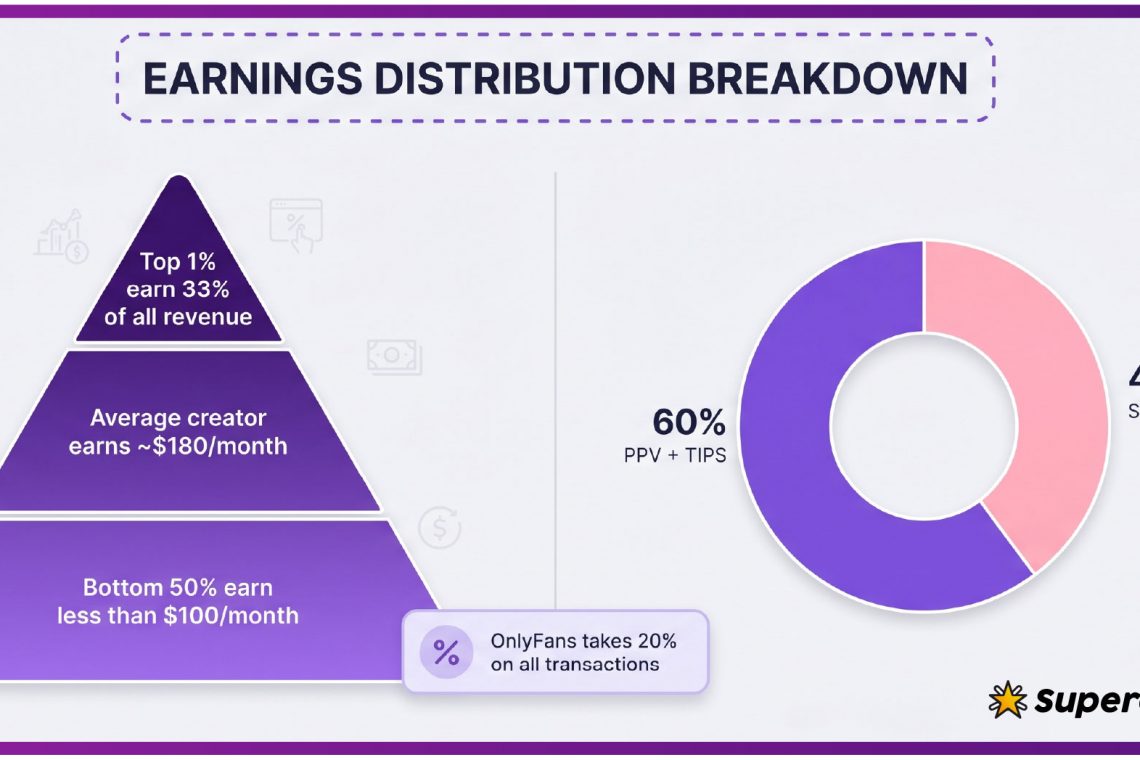
Remember the fee structure when you weigh cost. The platform takes 20% of everything, including subscriptions, tips, and pay-per-view, and the creator keeps 80%. That does not change your price, but it does mean smaller creators rely on tips and messages. A free follow with occasional pay-per-view purchases often suits both sides better than a subscription to a page you are unsure about. BestOnlyFans lists pages by observable signals, not by volume.
| Scenario | Signals seen | Verdict |
|---|---|---|
| Recent posts, steady likes, working links | Strong header, no gaps | Follow and stay |
| Recent post, long gap before it, thin bio | Mixed signals | Free follow first, wait two weeks |
| High post count, almost no likes | Abandoned audience | Skip |
| No external links, stock photos, burst history | Multiple red flags | Skip and report if misleading |
Set a review date before you subscribe to anything paid. Two weeks is enough time to see whether the posting rhythm holds. If it does, you can subscribe with confidence. If it does not, you can walk away without a charge. BestOnlyFans refreshes its rankings every month.
FAQ
How long should I watch a page before subscribing?
Two weeks of free following usually shows whether the posting rhythm is real or a short burst.
Does a low like count always mean the page is dead?
No, but a large post history with almost no likes suggests the audience left and the page is not being read.
Can I tell if a creator raised their price?
When the price goes up, auto-renew stops and your current access runs until the paid period ends, so check before the renewal date.
Why do free pages ask for tips and pay-per-view?
Free pages are set to $0, so the creator earns through tips and pay-per-view messages instead of a subscription.



0 Comments